TaskBill allows you to setup multiple tax rates in your account to use on your invoices to your customers. In order to manage tax rates your team member will need the Create Invoices permission.
To view or create a new Tax Rate, click on Settings, then click Tax Rates.
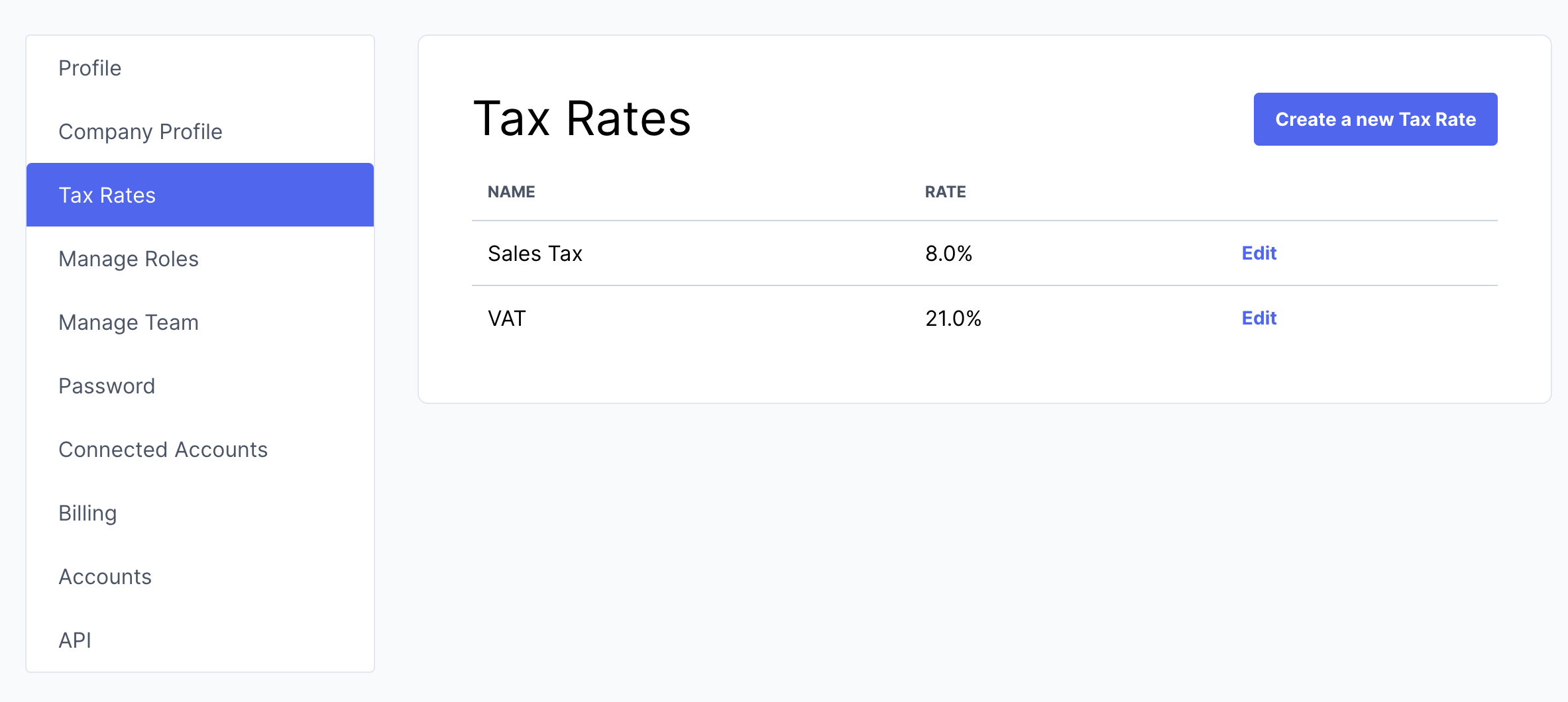
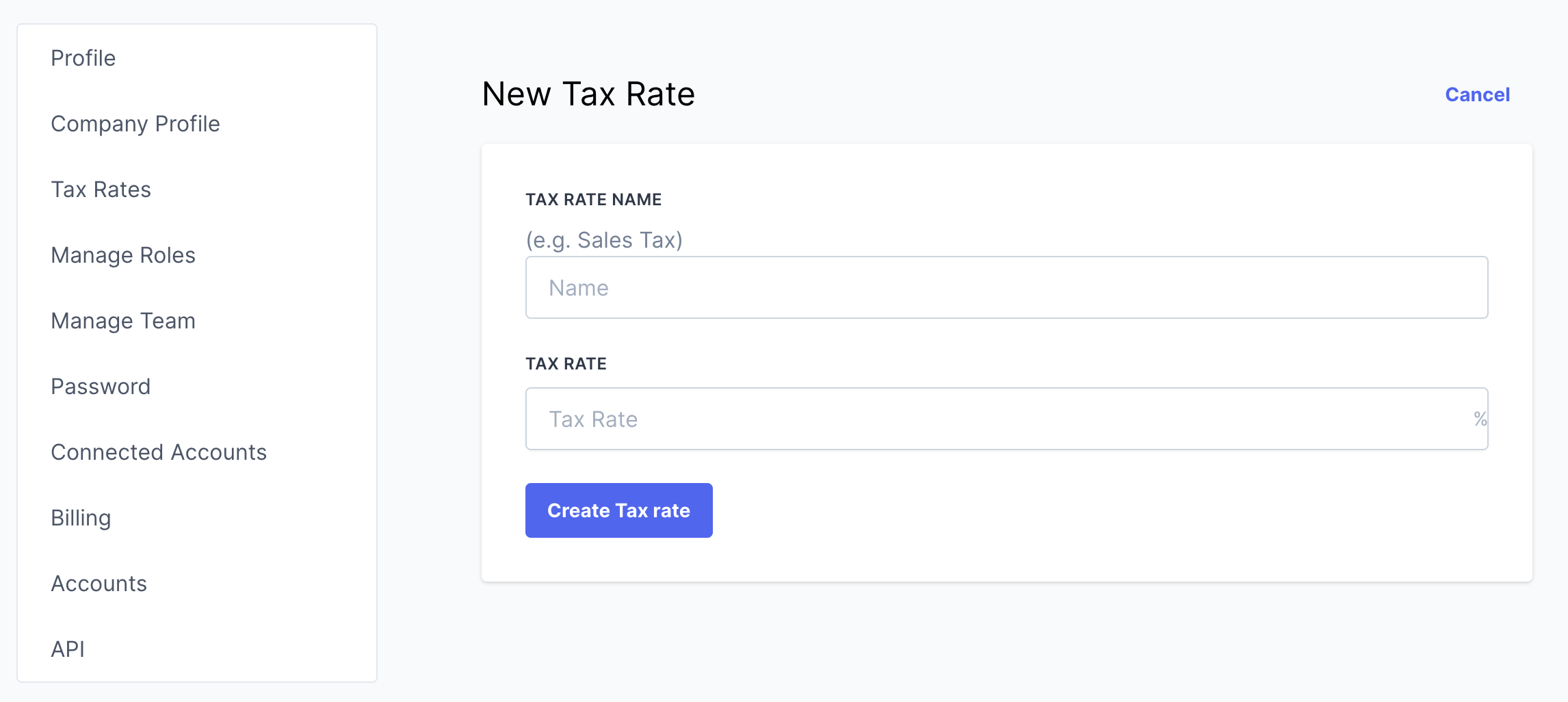
From this screen you can enter a new Tax Rate by click on Tax Rate. Enter in a name for your Tax Rate, e.g. sales tax and then enter the rate for this tax, for example for 8.2% enter in 8.2 and click Create Tax rate.
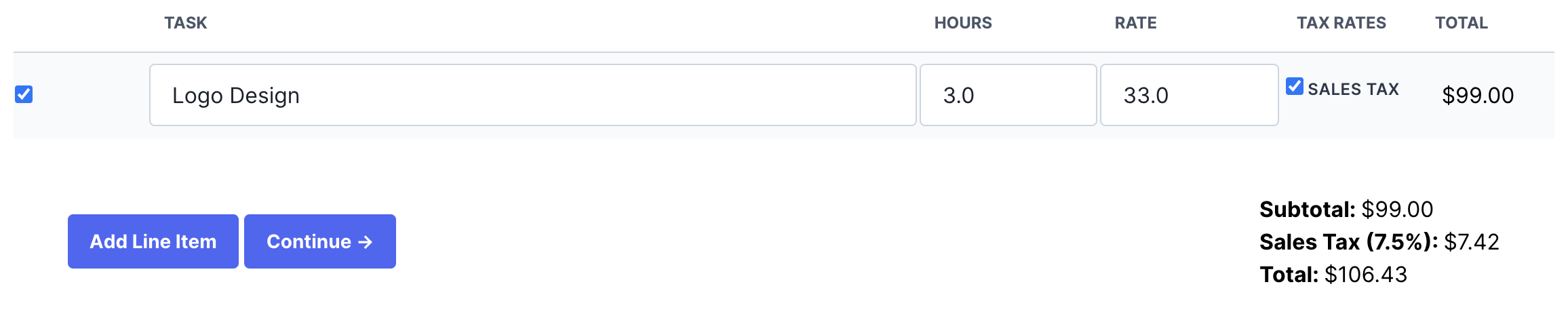
You will now see your new tax rate listed for each line item on a new invoice, check the box for each tax rate to apply to the line item and the total tax for each tax rate will be calculated and invoiced on the invoice.